CONNECT
Open for work. email: rayoasay@gmail.com
I produced the majority of the AI-driven assets across the show's two-minute opening sequence — a complete pipeline running from prompt to image to animated transition to isolated element pass, deployed across two physical surfaces in the venue.
This case study walks through the three stages of that pipeline and the role each played in the final show.
Tools used: Gemini, Nano Banana, Google Flow, Runway, Topaz Video AI, and After Effects.
The venue ran three LED screens as a single canvas:
· Screen #1 (SR) — 1280 × 1920, 15'8" W × 23'7" H
· Screen #2 (Center) — 4480 × 1920, 55' W × 23'7" H
· Screen #3 (SL) — 1280 × 1920, 15'8" W × 23'7" H
Total canvas: 7040 × 1920 at 30fps.
01 — Image Generation (Gemini + Nano Banana)
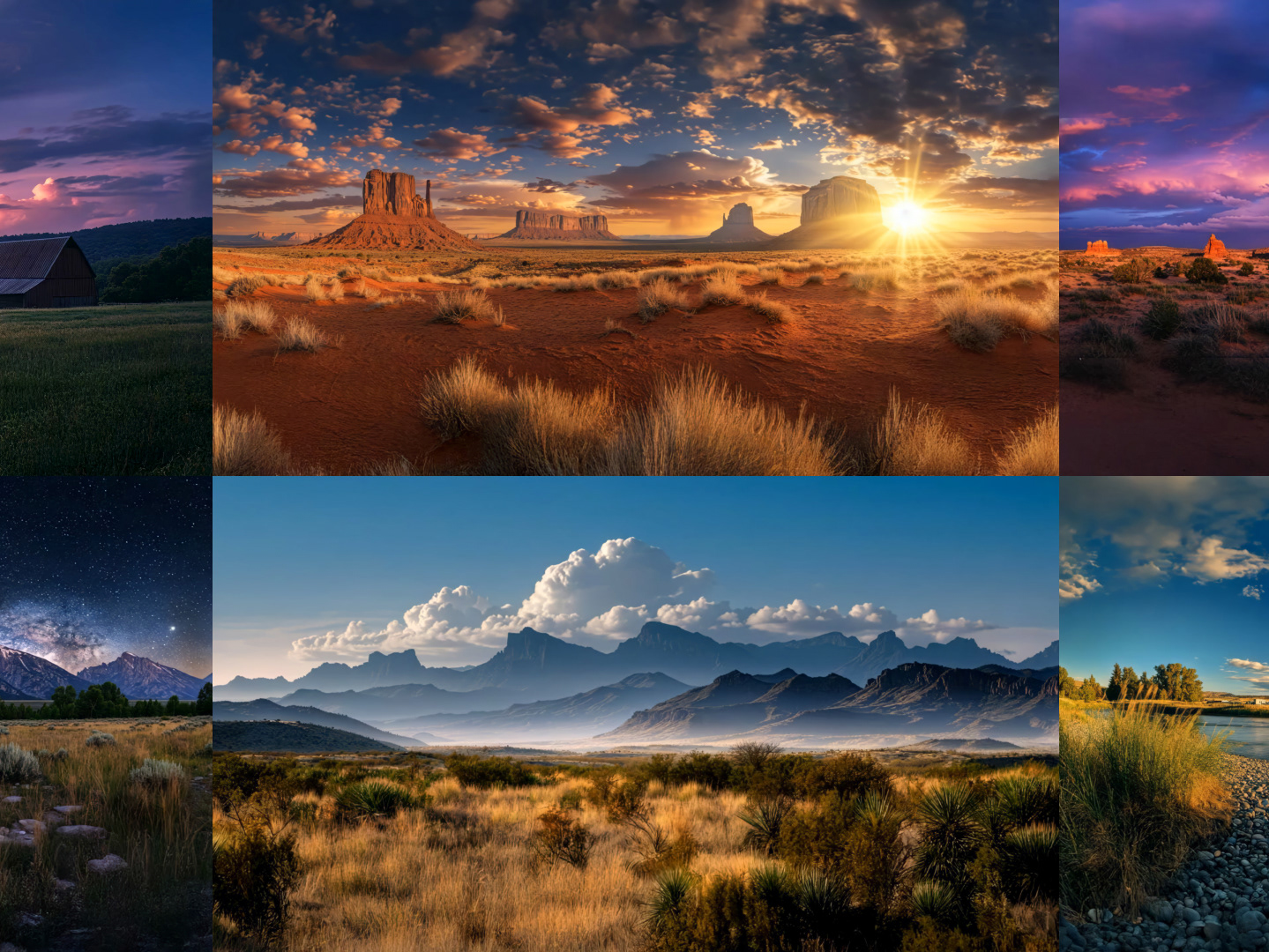
The pipeline started with images. A library of source frames was generated to support every kind of transition the opening needed: landscapes, people, dealership environments, and lifestyle imagery.
Prompt development was done in collaboration with Gemini — iteratively refining language to direct subject, composition, lighting, and mood before generation in Nano Banana. Multi-tool prompting at this stage gave Nano Banana far more specific direction than a single-shot prompt would have produced, and the resulting library was deep enough to support varied transitions without repeating frames.
Alongside the AI-generated images, the pipeline also ingested existing web imagery and client-provided assets — mixed freely with the generated frames depending on what each transition needed.
The output of this stage wasn't final content. It was the raw material for the animation stage that followed.
02 — Animated Transitions (Google Flow + Topaz Video AI)
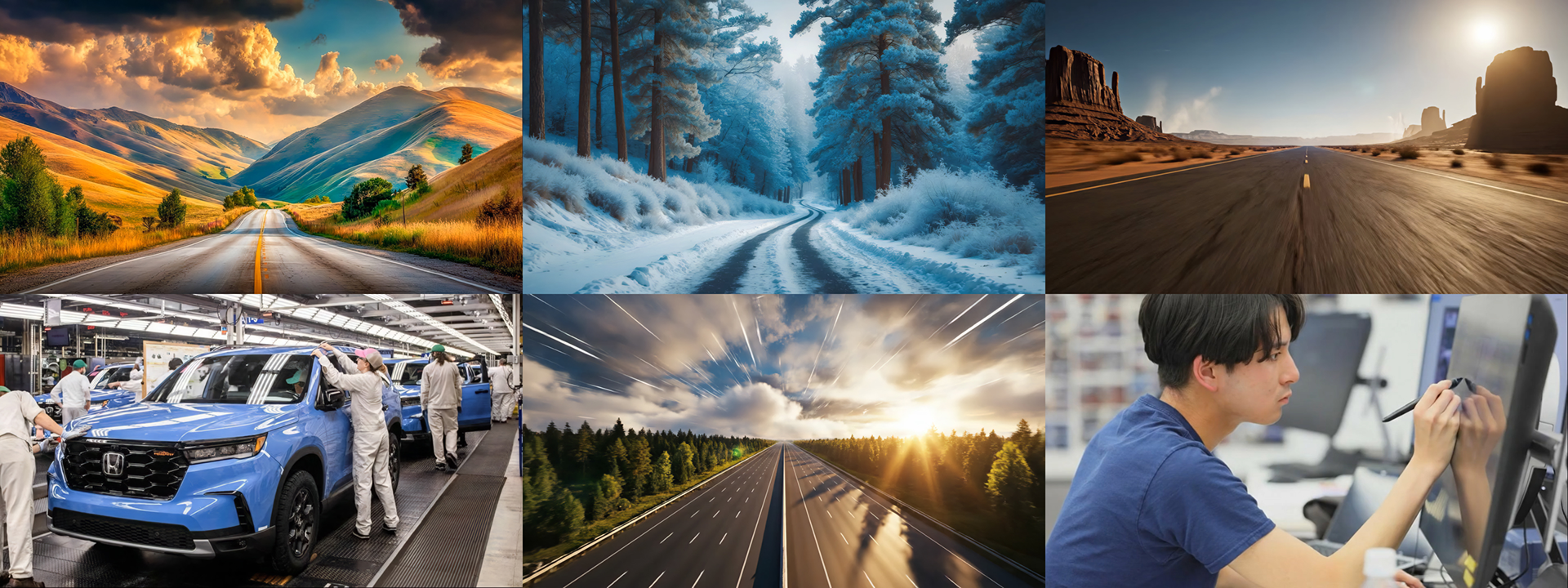
Each transition was built in Google Flow using 1–2 or 1–3 source images as ingredients — a mix of AI-generated frames from Stage 01, client-provided imagery, and existing web stills. Prompted camera motion connected the ingredients with high-dynamic and sometimes fully cinematic transitions, with motion graphic elements composited into the moves where the creative called for it.
Working with multiple ingredients gave Flow specific anchor points to motion between, rather than asking the model to generate motion from a single seed. The result was tighter directorial control over each transition's pacing, framing, and story arc.
Every Flow output came into Topaz Video AI for finishing. Topaz upscaled the footage to 4K or 7K depending on the canvas target, and conformed every clip from 24fps to the show's 30fps.
This stage produced the bulk of the visible opening content.
03 — Isolated Motion Graphic Elements (Runway + Topaz Video AI)
Select Flow movies came into Runway for a separate deliverable: an isolated element pass. The prompt was deliberate — remove the background scene, pull the motion graphic elements out of the composite, and place them on green screen so editors could key cleanly downstream. Effectively using Runway as a generative isolation tool, a use case the platform wasn't built for but performs well on with careful prompting.
Runway's prompt-edit export was capped at 5 seconds at the time, so the element passes were designed around that ceiling — short, dense, deployable as accents rather than full sequences. Topaz upscaled each pass to 4K or 7K and conformed framerate to 30fps.
The Runway output was never meant to be a clean broadcast key. It was made for a translucent scrim downstage of the LED — and the qualities that would have been flaws on a flat screen became features in physical space. Soft edges read as light bloom. Atmospheric residue read as dimensional glow. Key imperfections read as natural light falloff against the scrim material.
A clean, hard-edged key would have looked pasted on. The Runway pass looked alive in the venue.
Two Surfaces, One Sequence (Live Show)
Final masters from Workflow 03 came together in After Effects for color correction, QC, and a hybrid composite test — verifying the LED content and the scrim element pass would integrate cleanly as a layered visual experience before handoff to the show's master editor. From there, the masters were deployed across the venue's two physical surfaces:
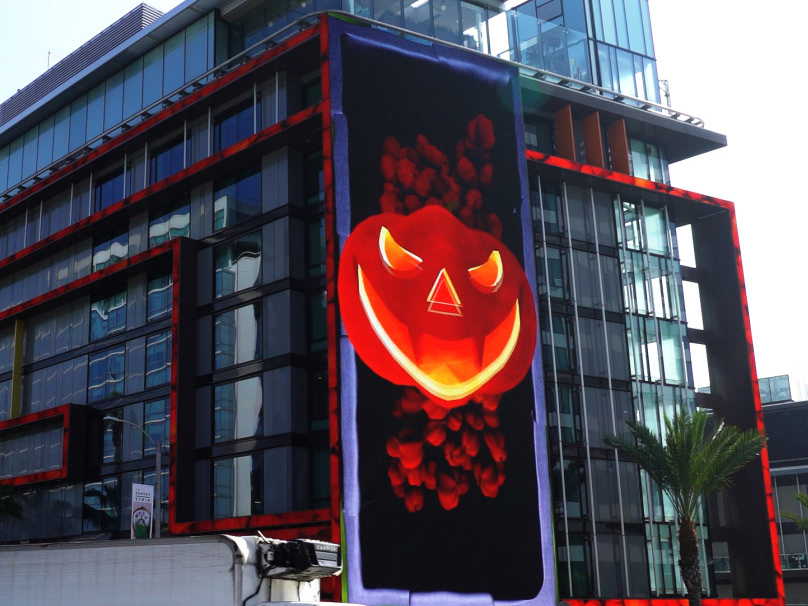
· Main LED stage — the fully composited transition with motion graphic elements in scene. · Downstage scrim — the 5-second isolated green-screen pass projected onto the scrim, with the vehicle and camper staged in the space between.
The same animated elements existed simultaneously on the screen and in front of the screen, separated by physical distance, with vehicles staged in the volume between them. A small but real example of generative pipelines bridging into stage design.
Reflection
A complete pipeline, end to end, designed for a real venue rather than a render. Gemini shaped the prompting. Nano Banana generated the source library. Flow produced the motion. Runway isolated the elements. Topaz pushed everything to delivery resolution and show framerate. After Effects handled color and QC across every stage.
The lesson the project kept reinforcing: generative AI works best when chained with intent — and the intent has to start with what the deliverable needs to do, not what any single tool can technically generate. Sometimes that meant the full 7K canvas. Sometimes a 5-second accent pass. Sometimes a still image used as a Flow ingredient instead of a final frame. The job determined the pipeline.
Two minutes of opening content. One end-to-end AI asset pipeline. Three stages, six tools, and a creative throughline that lived on two physical surfaces in the room.
Tools
· Google Gemini · Nano Banana · Google Flow · Runway · Topaz Video AI · Adobe After Effects
Credits
Concept, Prompt Engineering & AI Art Direction, Motion Design, and Post Compositing — Ray Oasay
Production Company: Martin Brinkerhoff Associates (MBA Productions)
Client: Honda
Event: Honda National Dealer Meeting
Year: 2025